Layered PSD Export: What Actually Survives the Round Trip
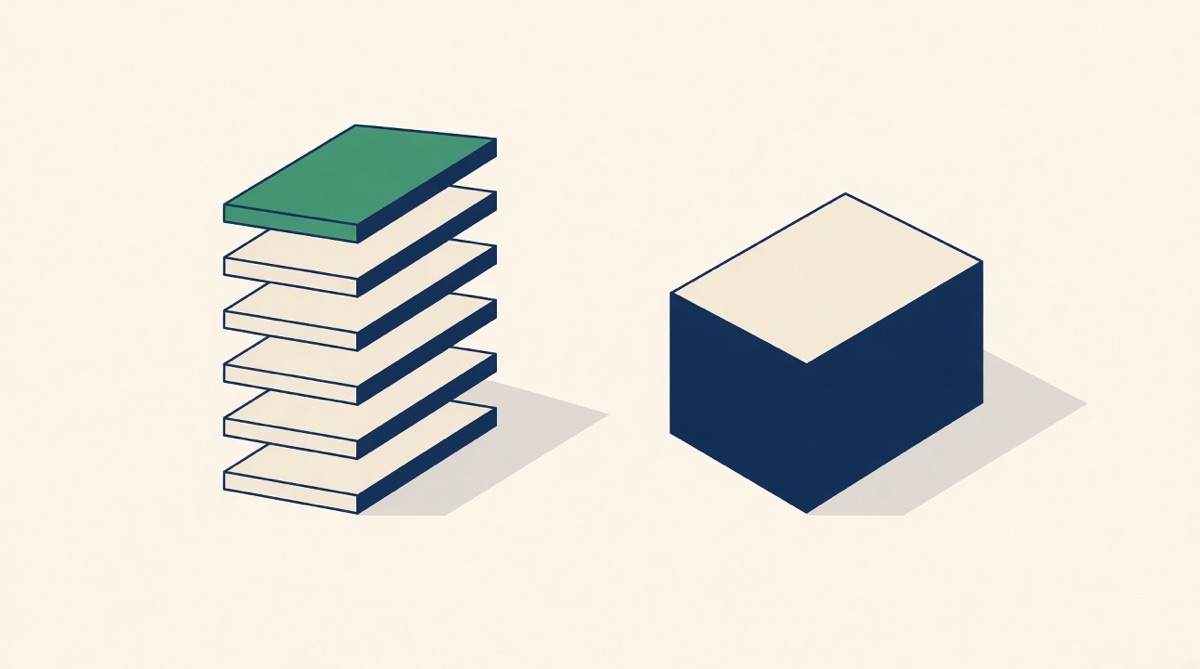
Graflio's PSD export writes one named raster layer per canvas object at 2160×2160, plus a background layer, so every headline, callout, card, badge and leader line can be moved, hidden, masked or recoloured independently in Photoshop. What it does not give you is live Photoshop type: text layers arrive rasterised. If you need editable type outside Graflio, export the SVG and open it in Illustrator instead.
"Layered export" is one of the least honest phrases in this category, because it can mean four different things. In Graflio it means this: the studio writes a 2160×2160 PSD in which every object on the canvas becomes its own named layer, stacked over a background layer. That gives you separable, movable, maskable elements in Photoshop. It does not give you live Photoshop type. Knowing which of those two you needed is the whole decision.
Three places your file can be layered
The first is the studio itself. Every generated image opens as a fabric canvas of typed objects with roles: headline, subheadline, callout title, callout body, numbers, cards, badge text and shapes, closeup labels, footer, leader lines, measurements, plus any free text and shapes you add. Text is text there. Retyping a headline is retyping a headline, and the callouts stay anchored to the coordinates on the product photo they were pointing at.
The second is the SVG export. It writes the same 2160px canvas as vector markup with text still as text elements, and embeds the Google Fonts stylesheet so the faces resolve. Illustrator opens it with live type. Canva accepts SVG uploads up to 100 MB. Figma recommends SVG as the lossless way to move assets between design tools.
The third is the PSD, and it is the one people ask for by name. It is built client-side from the canvas: a background layer painted with the canvas colour and background image, then one layer per object, rendered at 2× and named in stacking order.
What the PSD actually contains
| Element | In the PSD | In the SVG |
|---|---|---|
| Headline, subheadline | Own raster layer, named | Live text element |
| Callout title, body, number | One raster layer each | Live text elements |
| Cards, badges, shapes | One raster layer each | Vector paths |
| Leader lines, measurements | One raster layer each | Vector paths |
| Product photo / plate | Background layer | Embedded raster |
| Layer names | "02 headline · Fits any 12 mm…" | Element ids |
| Groups, smart objects, masks | None | Not applicable |
| Canvas size | 2160 × 2160 | 2160 × 2160 |
Layers are numbered in stacking order and named after their role plus the first 28 characters of their text, so the panel reads 00 background, 01 callout card, 02 headline · Fits any 12 mm hose. That naming is not cosmetic. It is the difference between a designer finding the headline in four seconds and scrubbing through thirty layers called Layer 14.
The honest catch: text arrives rasterised
Each layer is produced by cloning the object onto its own transparent canvas and rendering it at 2×. That is why a text layer in the PSD is a picture of text. You can move it, hide it, mask it, transform it, colour-overlay it or paint it out. You cannot put a cursor in it and retype it, and you cannot restyle the font.
This matters most in exactly the situation people buy layered export for: a price changed, legal asked for a qualifier, a translation came back. In Photoshop, the fix for a rasterised headline is to erase it and set new type, matching the face by eye. In the Graflio studio, the fix is to click the text and type. So the workflow that actually saves time is to make copy changes upstream and re-export, and to reserve Photoshop for the things Photoshop is genuinely better at: compositing, retouching, masking, colour work on the photograph.
Note also what the SVG route costs you in Photoshop specifically. Photoshop rasterises an SVG on File → Open, warning you as it does so; placing it as a smart object keeps it scalable but still not editable as type. Live SVG text is an Illustrator capability, not a Photoshop one. Nobody says this plainly enough, and sellers lose an afternoon to it.
Survives into Photoshop
- Element separation — every callout on its own layer
- Meaningful layer names in stacking order
- Transparency around each element
- Position, scale and rotation as rendered
- The background photograph as its own layer
- 2160px, above Amazon's 1000px zoom threshold and its 1600px recommendation
Flattens or never existed
- Editable type — text is rendered to pixels
- Font, size and colour as changeable properties
- Layer groups, smart objects, masks, adjustment layers
- Layer effects and blend modes
- Vector paths for shapes and leader lines
- The callout anchor points that keep a line on the port
Why flat output is the thing sellers regret
Most tools in this category hand back a JPEG or PNG with the words baked into the pixels by an image model. That is fine until the first edit, and there is always a first edit: a supplier changes a spec, a marketplace needs the same layout in German, a compliance reviewer objects to one word. With flat output the options are to regenerate, and accept that the model moves things you did not ask it to move, or to rebuild the image in a design tool from scratch. Both cost more than the original image did.
A named-layer PSD does not solve the typing problem, but it does solve the composition problem, which is the expensive half. Deleting one callout, moving a badge off a seam, swapping the background photograph for a new shoot, cutting a square layout to 5:6 — all of that is trivial with separated layers and painful without them. Keep the PSD or the SVG, not just the exported JPEG. The editable file, not the upload, is the asset.
Which file to keep, and when
Keep the SVG if the next person to touch the file works in Illustrator, Figma or Canva, or if the copy is likely to change. Keep the PSD if the next step is retouching, compositing or masking in Photoshop, or if an agency or client has asked for layered source in Adobe format. Keep the PNG only as the upload artefact. If you are choosing one file to archive per image, the SVG is usually the more recoverable of the two, because vector text can always be rasterised later and rasterised text can never be un-rasterised. And if you need neither, export the PNG at 2160px and stop there — the number of sellers who genuinely open the layered file again is smaller than the number who ask for it.
Common questions
Is the text in the PSD editable in Photoshop?
No. Every object, text included, is written as its own raster layer. Retype in the Graflio studio and export again, or use the SVG, which keeps text as live text elements.
What size is the PSD?
2160 × 2160 pixels, twice the 1080px studio canvas, matching the PNG and SVG exports. That clears Amazon's 1000px zoom threshold, and its 1600px recommendation, with room to crop.
Do I get layer groups or smart objects?
No. It is a flat list of named raster layers over a background layer, because that is the structure the studio has.
Can I re-import a PSD into Graflio?
No. Export is one-way. Edits belong in the studio, where the objects are still typed; the PSD is a handoff format, not a working format.
What about downloading a whole set at once?
Generated images for a product can be pulled as a single ZIP, up to 60 files, in PNG, JPEG or WebP. The PSD and SVG are exported one image at a time from the studio.
This page is written by Graflio, so read our own column with appropriate suspicion. Competitor facts are the vendors’ published information as of August 2026 and change often — check before you buy.
Paste one ASIN. Get the whole set.
Graflio reads the live listing and its reviews, studies the best sellers around it, then renders a full set of on-brand infographics — every image still editable in a layer studio. €10 of credits free, no card.
Try Graflio free →