The Amazon Launch Image Set: Building a Gallery With Zero Reviews
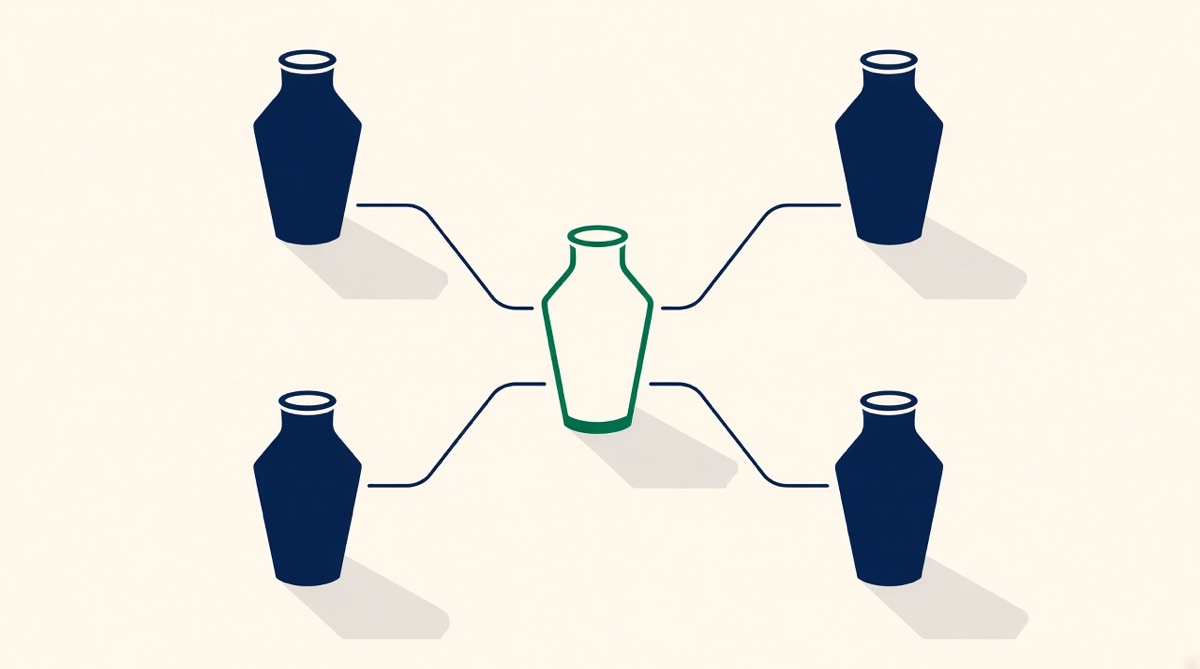
With no reviews and no click-through history, every image decision has to rest on the category's evidence rather than your own. Read the "Customers say" panels and one- to two-star reviews of the top eight ASINs in your subcategory, and the objections repeat: size, missing parts, compatibility. Build slot two around the complaint the category keeps failing to answer, slot three around scale and slot four around what is in the box. You cannot A/B test yet — Manage Your Experiments needs an ASIN with enough recent traffic — so log every decision and retest in three months.
At launch you have no reviews, no click-through history and no conversion baseline, so every image decision has to be made on evidence that belongs to somebody else. That is not a handicap; the category's data is public, structured and free to read. This page is the method for borrowing it: where the evidence lives, how to turn it into a slot plan, and what to do about the fact that you cannot A/B test anything yet.
What you are missing, and what stands in for it
| You do not have | Borrow this instead | Where it lives |
|---|---|---|
| Your own reviews | The category's reviews, already summarised | "Customers say" and its attribute buttons on the bestsellers |
| Your own return reasons | Competitor one- to three-star reviews | Review filters on the top ten ASINs |
| Your own unanswered questions | Competitor customer questions | The Q&A block on rival listings |
| Your own click-through rate | Category convention on what wins a thumbnail | The bestseller grid itself, viewed on a phone |
| An A/B test | Nothing. Wait for traffic. | Manage Your Experiments, in three months |
Step 1: read eight competitors, in one sitting
Take the top eight to ten ASINs in the subcategory you will actually compete in — not the department, the subcategory. On each one, open the "Customers say" summary. Amazon generates it from verified-purchase reviews, and the attribute buttons underneath expand into a panel giving the number of customers who mentioned that aspect, split positive and negative, with sample reviews. Across eight listings that is a category-level sentiment map you did not have to build.
Write down two lists as you go. The first is the attributes mentioned positively everywhere: these are table stakes, and if your images do not demonstrate them the shopper assumes you lack them. The second is the attributes mentioned negatively everywhere: these are the category's unsolved complaints, and if your product genuinely solves one, that image is your entire launch.
Then read the one- and two-star reviews on the three bestsellers. Reviews are dull about what works and precise about what fails, and the failure vocabulary is what your images have to pre-empt. "Smaller than I expected" is a dimension diagram. "Missing a part" is a what's-in-the-box flat lay. "Wouldn't fit my model" is a compatibility table.
Step 2: turn the evidence into a slot plan
You get one main image plus up to eight further slots, of which the first seven show in the gallery, six if you publish a video. A launch set that carries its own weight looks like this, and each slot should trace back to something you read in step 1.
| Slot | Job | Sourced from |
|---|---|---|
| 1 | Product on pure white, filling ~85%, no text | Amazon policy, not preference |
| 2 | The one unsolved category complaint, answered | Negative attributes shared across competitors |
| 3 | Dimensions to scale, with a familiar reference object | "Smaller than expected" reviews |
| 4 | What is in the box, counted | "Missing parts" reviews and returns language |
| 5 | In use, in the setting the reviews describe | How buyers say they actually use it |
| 6 | Materials, certifications, compatibility | Competitor Q&A, the questions asked repeatedly |
| 7 | Your range, if you have more than one variant | Reviews that bought the wrong version |
The ordering principle is that slot two answers the objection that stops the most people, because on mobile slot two is often the last image a shopper sees before deciding. Do not put your brand story there. Nobody at launch is buying your brand story; they are deciding whether the thing is the right size.
Step 3: launch-specific trust work
An established listing borrows credibility from its rating. Yours cannot, so the images have to carry it. Three things do this cheaply and honestly:
- Specificity over adjectives. "304 stainless steel, 1.2 mm wall" outperforms "premium quality" precisely because it can be checked.
- Certifications you actually hold, rendered legibly, in the gallery — never on the main image, where all badges are prohibited.
- Honest scale. A dimension diagram that is accurate is worth more than a lifestyle shot that flatters, because the first review you get will be about size if you get it wrong.
On reviews themselves, Amazon Vine is the sanctioned route to a first cohort. It requires a Professional selling account, Brand Registry enrolment, FBA-fulfilled offers and a parent ASIN with fewer than 30 reviews at enrolment; you can enrol up to 30 units and receive up to 30 reviews. The published fee tiers are free for one or two units, $75 for three to ten, and $200 for eleven to thirty per parent ASIN, with reporting in 2026 that enrolment became free for products priced under $100. Amazon's own marketing claims Vine boosts sales by an average of 30%; that is a vendor claim with no published methodology, so plan around the reviews, not the number.
Step 4: accept that you cannot test yet
Manage Your Experiments needs an ASIN with enough recent traffic to produce a valid result, and Amazon enforces this by not letting you select ineligible ASINs. A brand-new listing will not qualify, and Amazon recommends eight to ten weeks of running time even once it does. So the launch set is decided on category evidence, not on your own numbers, and the honest plan is:
Do at launch
- Ship the full set. A partial gallery at launch costs more than an imperfect one.
- Log every decision and what you based it on, so the later test has a hypothesis.
- Get the main image technically right first: pure white, ~85% fill, 1,600 px or more so zoom is worth having.
- Keep the layered source files. You will be editing these in ninety days, not rebuilding them.
Do not do at launch
- Split-test with ads and call it an image test; you are testing the ad, not the gallery.
- Read anything into the first two weeks of conversion data.
- Copy a bestseller's gallery outright — you inherit their compromises and their category, not their rating.
- Spend the budget on slots eight and nine before slots two and three are right.
Where to start today
Spend the first two hours reading, not designing: eight competitor "Customers say" panels, the one- and two-star reviews on the top three, and the Q&A on any listing with more than a hundred questions. If that produces a single sentence describing what the category keeps getting wrong, build slot two around it and the rest of the set will arrange itself. If it does not, you are in a category where the images are commodities and the decision is price, delivery and rating — also worth knowing before you spend anything.
Common questions
How many images does a new listing need?
Fill the gallery. Amazon allows one main image plus up to eight further slots, and the first seven display, six if you publish a video. At launch, an incomplete gallery reads as an incomplete product, and you have no rating to compensate. Six to seven purposeful images beats nine padded ones.
Can I A/B test my images on a brand-new listing?
No. Manage Your Experiments requires an ASIN with enough recent traffic to produce a valid result, and Amazon prevents ineligible ASINs from being selected. Even once a listing qualifies, Amazon recommends eight to ten weeks of run time. Decide on category evidence now and test in three months.
Where do I get customer insight with no customers?
From the category. The "Customers say" summary on competing listings is generated from verified-purchase reviews, and its attribute buttons show how many customers raised each aspect and whether they were positive or negative. Add the one- and two-star reviews of the bestsellers and the questions shoppers ask on rival listings, and you have an objection list before you sell a unit.
Is Amazon Vine worth it at launch?
It is the only sanctioned way to seed reviews. It requires a Professional account, Brand Registry, FBA and fewer than 30 existing reviews on the parent ASIN, and gives up to 30 reviews from 30 units. Fees are tiered — free for one or two units, $75 for three to ten, $200 for eleven to thirty — with reports in 2026 of free enrolment for products under $100. You still pay the cost of goods and FBA fees on the units you give away.
This page is written by Graflio, so read our own column with appropriate suspicion. Competitor facts are the vendors’ published information as of August 2026 and change often — check before you buy.
Paste one ASIN. Get the whole set.
Graflio reads the live listing and its reviews, studies the best sellers around it, then renders a full set of on-brand infographics — every image still editable in a layer studio. €10 of credits free, no card.
Try Graflio free →